
Welcome to MY IPHSCHOOLS
An internal web application designed to support your activities at school
For IPH Schools Teacher and Staff Only
scroll down for more information

How to connect to the school Wi-Fi?
Connecting is easy. Simply enter your own hotspot username and password.
You can get (and set) your hotspot password from this URL: hotspot.iphschools.sch.id. Please Sign-In using your school e-mail address.
You are welcome to use any SSID with prefix : IPH, choose the best Wi-Fi signal based on your current position.
Note :
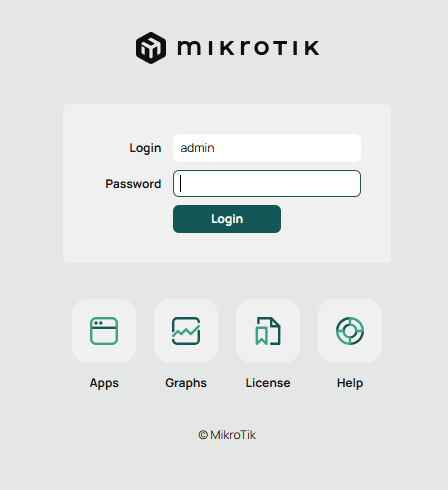
- If the hotspot login page in figure no. 1 beside won't show up automatically, you can open it manually by visiting this URL : wifi.iphschools.sch.id
- If you see figure no. 2 beside, it means : You already connected to the Internet. No need to type in your username and password.
Figure no. 1
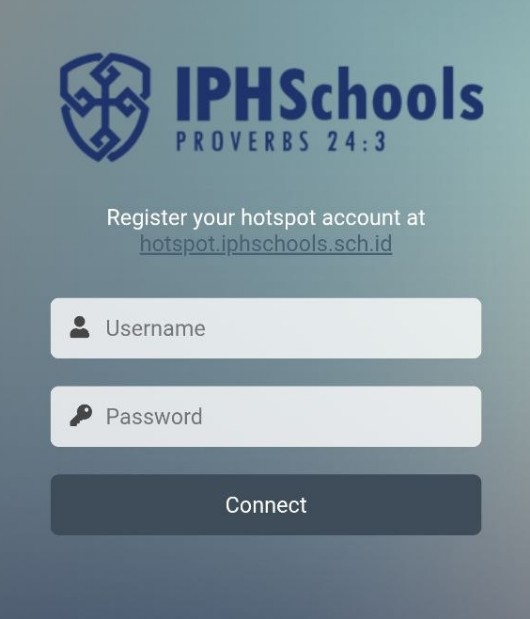
Figure no. 2